Emergency Reports
The Emergency reports allows users to view a collection of basic reports required to run a property in case of a crisis. The list of reports includes Account Balances, Arrivals, Departures, In House Guest List by Name, and Rooms Status reports.
The list of reports may vary based on the property's operating procedures and systems.

Navigate to Reports ➜ All Reports ➜ Emergency (under Grouped).
Select a report by expanding the accordion tabs to select individual report parameters.
Click Generate. The report with the selected data appears.
Click Print to send a copy of the reports to the printer.
Emailing the Emergency Reports
The Emergency reports can now be generated, printed, and sent by e-mail. A record of who e-mailed the report and the recipients of the mail is maintained. This feature requires the following permission to generate the report and email it: EmergencyReportsAutomation
Navigate to Reports ➜ All Reports ➜ Emergency (under Grouped).
Select a report by expanding the accordion tabs to select individual report parameters.
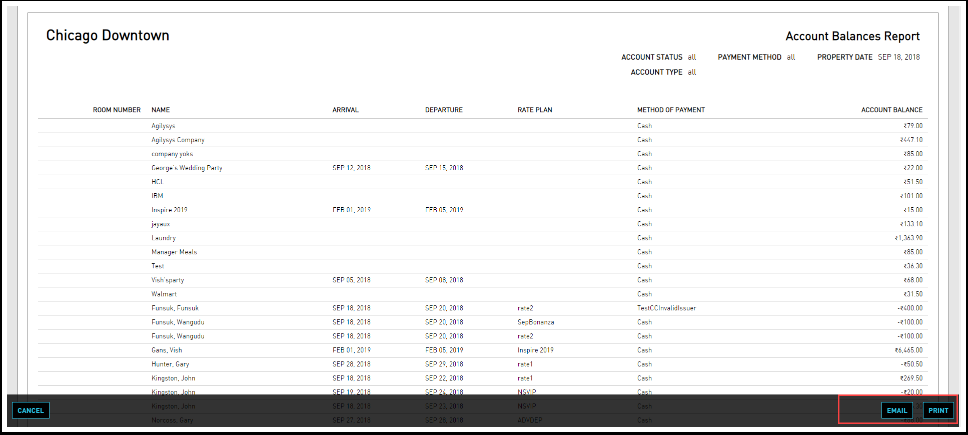
Click Generate. The report with the selected data appears.
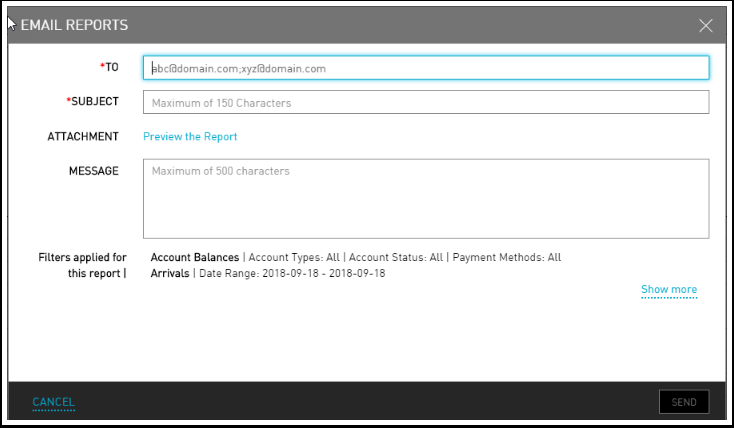
Click Email. The Email Reports Setup page appears.
In the To field, enter a valid email address to which the emergency reports must be mailed.
Enter an appropriate subject line for the mail.
In the attachment field, click on Preview the Report to view a quick preview before sending the email.
Enter a message in the Message box. Users can also view the filters applied while generating this report.
Click Send.
Viewing Sent Reports
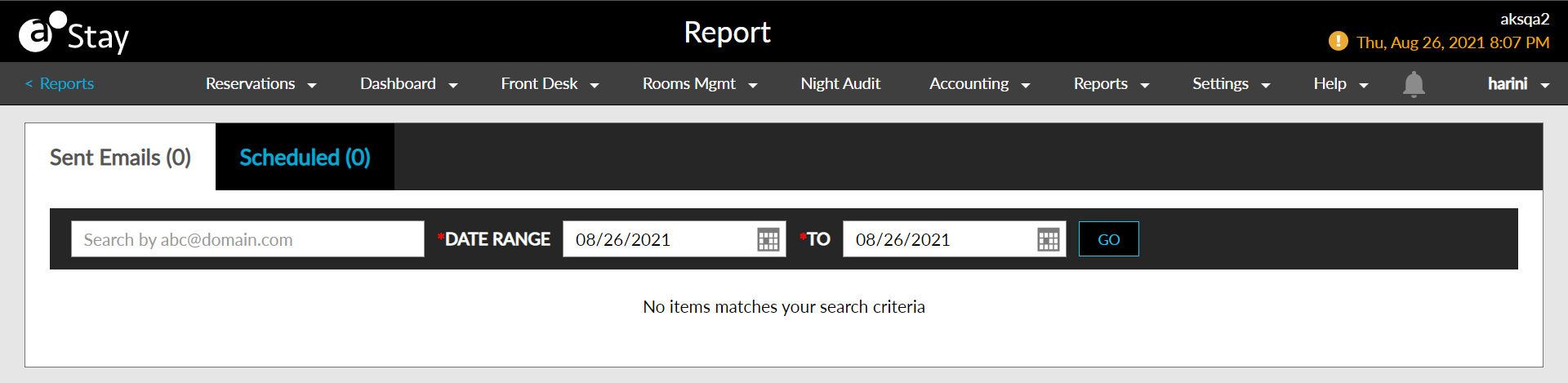
Users can track the mails sent and the details of the sender and receiver of the mails in the Sent Emails page.
Navigate to Reports ➜ All Reports ➜ Emergency (under Grouped).
Click on the Sent Reports link in the top right corner of the page. The Sent Email page is displayed.
Select the Date Range for which the user needs to see the list of sent email.
Click Go.